How do I lock a period as Final, and how do I unlock it?
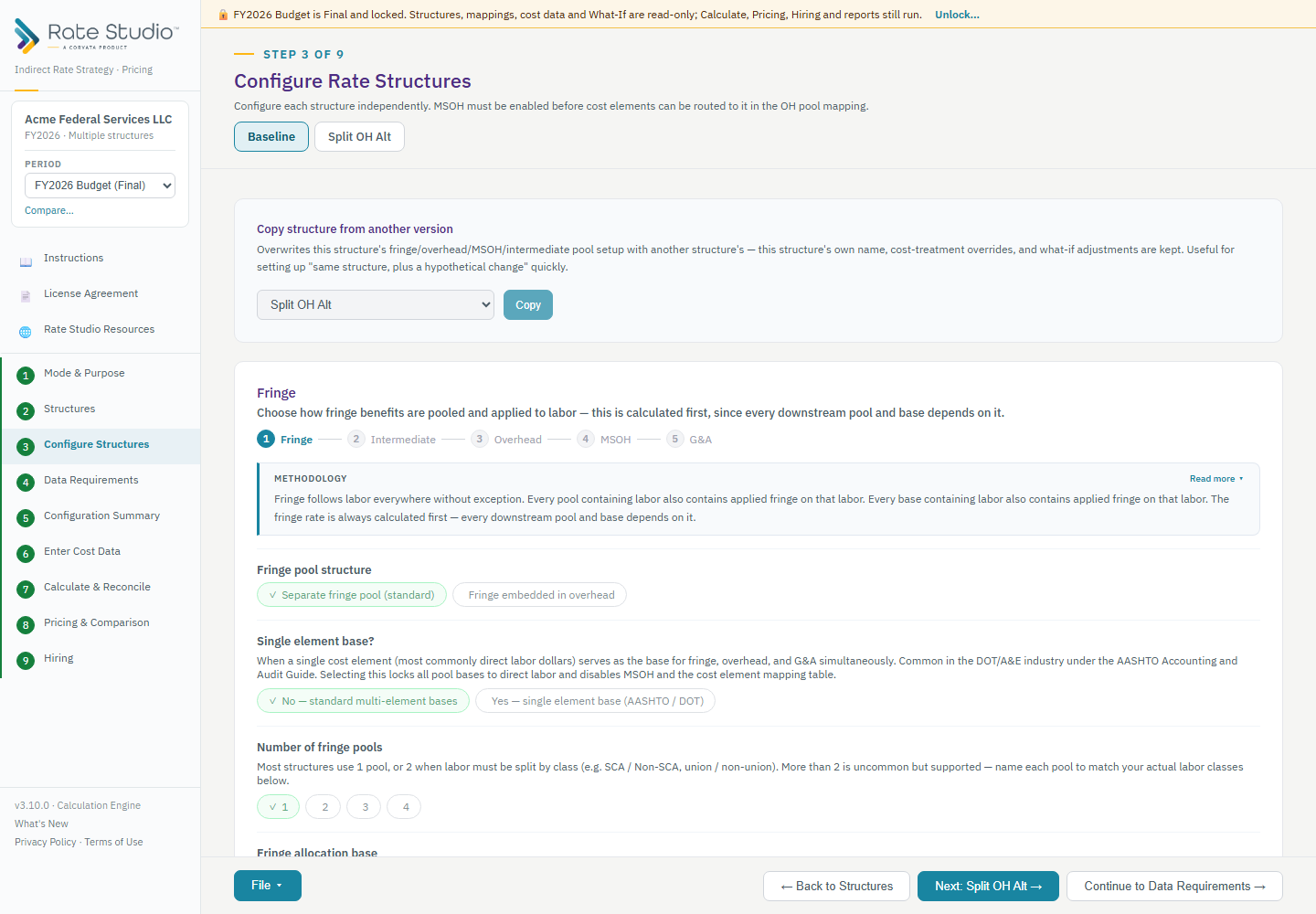
Lock a period when it closes. A Final period cannot be changed by accident, but Calculate, Pricing, Hiring and reports still work.
Lock
- Open the Period box in the sidebar and choose Lock.
- Rate Studio first checks that the rates reconcile and that the period uses all of its cost data. A period can only be locked when both are true, so a Final period always holds rates you can rely on.
- Locking records the rates as they stood at that moment.
What Final means
Structures, mappings, cost data and What-If are read-only, and you cannot import into a Final period. You can still browse every structure, run Calculate & Reconcile, Pricing and Hiring, and print or export reports.
Unlock
- Choose Unlock.
- Type a reason. It is saved with the period.
Every lock and unlock, with its date and reason, is kept in Manage and saved in the file.
If this doesn't work: see I can't lock a period if a period won't lock.
Watch: Periods, lock as Final from 0:58
Full guide section: Periods
Related: What is a period, and how do I start a new one? | How do I compare two periods (budget vs actual)? | I can't lock a period