How do I load a baseline (prior year and year to date)?
The Baseline brings in last year's actual costs as a reference. It is shown beside each line when you build the budget. Skip it entirely to build from scratch.
Steps
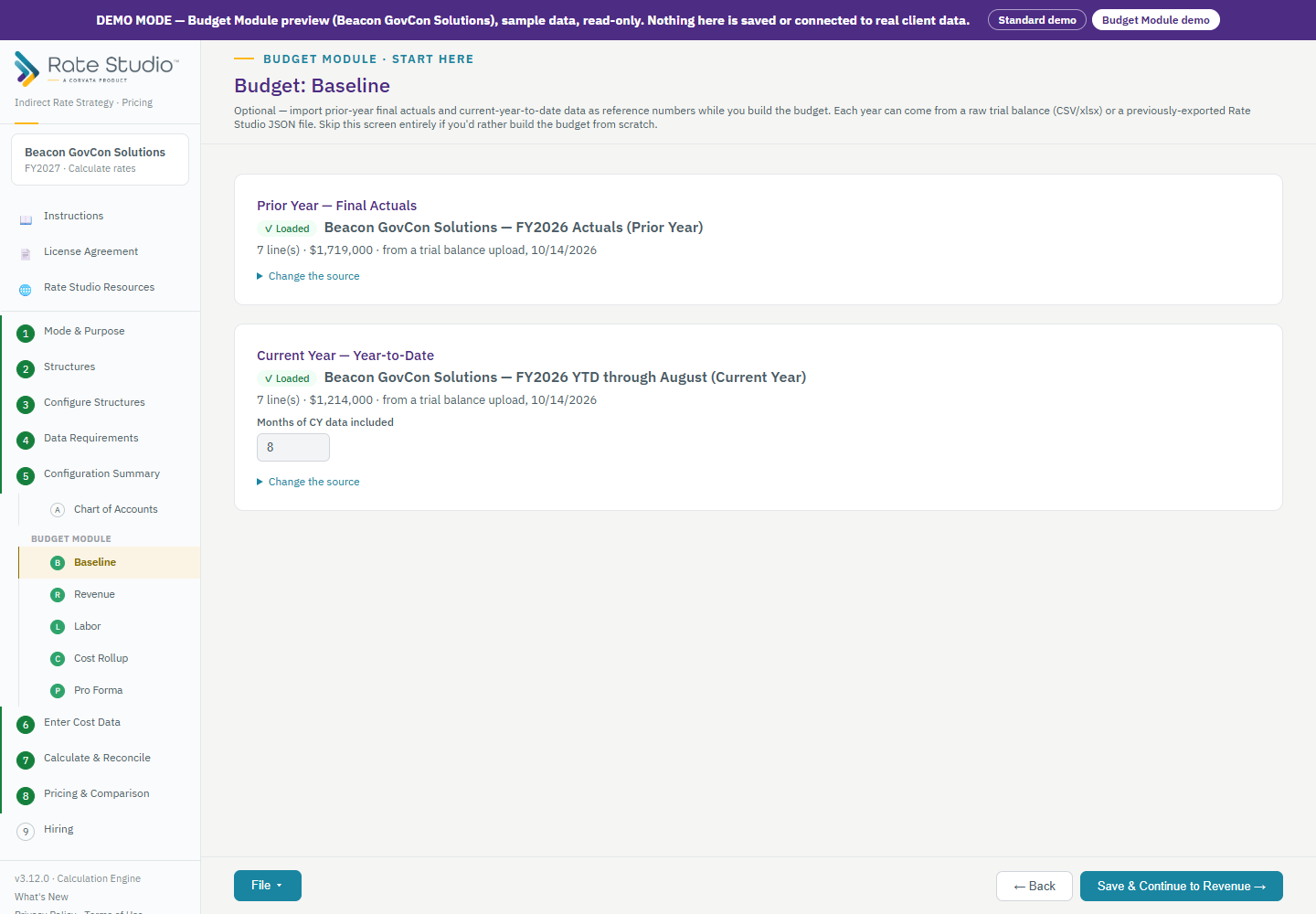
- Open Budget: Baseline. There are two cards: the prior year and the current year to date.
- Prior year: load last year's final actuals from a trial balance (CSV or Excel), from a Rate Studio file you saved earlier, or from another period already in this file. The card shows how many lines came in and the total.
- Current year to date: load the data the same way, then enter how many months it covers. Rate Studio uses that number to annualize it.
- If your account numbers or names changed, a message tells you how many baseline accounts are not in your chart. Open the prior-year links to connect them (see How do prior-year account links work?).
- To replace a year or take it out, open Change the source. Using another period already in this file means you never upload anything twice.
Why it matters
On Cost Rollup, each pool is pre-filled with last year's accounts, and the baseline is the reference for the Pro Forma trend (see How do I build the Cost Rollup by pool?).
If this doesn't work: see How do prior-year account links work? if the baseline accounts don't match your chart.
Watch: Baseline reference, from 0:26
Full guide section: Budget Module
Related: How do prior-year account links work? | How do I set up my chart of accounts? | How do I build the Cost Rollup by pool?