How do I enter intermediate pool allocation data?
Enter the driver data for each intermediate pool on its own tab. Rate Studio takes you there automatically if a pool still needs data.
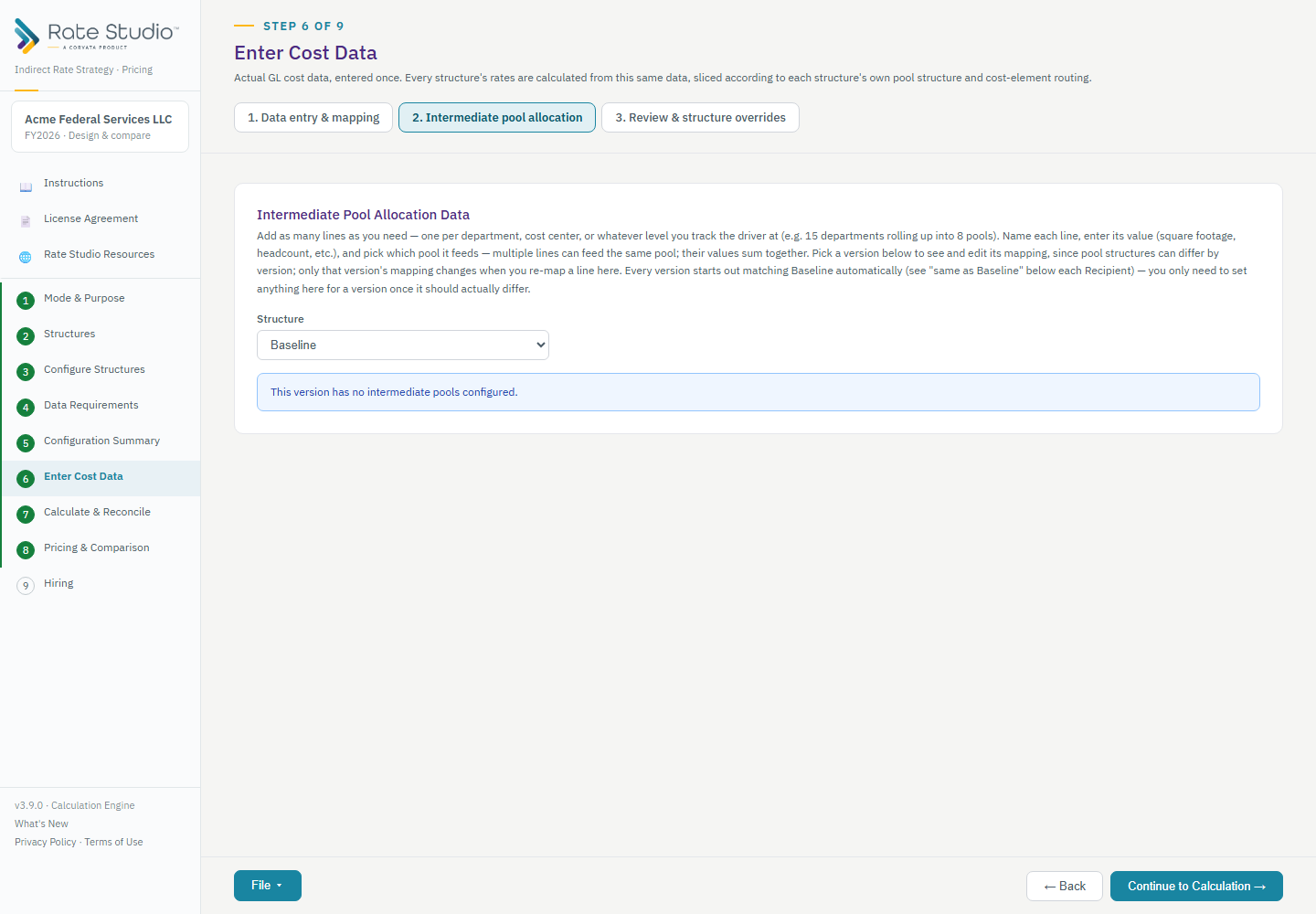
Steps
- Open Enter Cost Data and the Intermediate pool allocation tab. It appears only if a structure has an intermediate pool such as Facilities, IT, HR or a custom pool.
- Choose the structure at the top. Each structure can have its own data, and a structure you leave alone matches the Baseline.
- Add a line for each department or cost center. Choose the recipient pool and enter the driver value, for example square feet.
- Lines for the same recipient add together.
The data is entered as free-form named lines, grouped by pool.
Good to know
- Different structures can route the same underlying driver data to different pools.
- If a pool still needs data after you accept your account mappings, Rate Studio takes you straight to this tab. Continuing to calculation checks for it too.
If this doesn't work: if calculation says data is missing, see Calculation is blocked: what data is missing?.
Watch: Enter cost data manually, from 2:02
Full guide section: Enter Cost Data
Related: How do intermediate pools and allocation drivers work? | Calculation is blocked: what data is missing? | How do I upload a trial balance?